MacWhisper alternative
A free MacWhisper alternative for dictation and meetings
MacWhisper is best known for transcribing files: lectures, interviews, podcasts and videos. It also has dictation and records meetings [1], and those two are what Purr does. In Purr they’re free, including meeting recording and speaker labels, and the code is open source. Purr doesn’t transcribe audio or video files, so if that’s your main use, stay with MacWhisper.
What’s different?
- Files. MacWhisper’s free version transcribes mp3, wav, m4a, ogg, opus, mov and mp4 files and exports subtitles [1]. Purr doesn’t transcribe files at all.
- Dictation. MacWhisper’s free version includes system-wide dictation, and Pro adds higher-quality dictation, automatic grammar fixes and AI prompts [1]. Purr’s dictation is free with Parakeet or Whisper, can type while you’re still talking, and has a vocabulary list and voice commands.
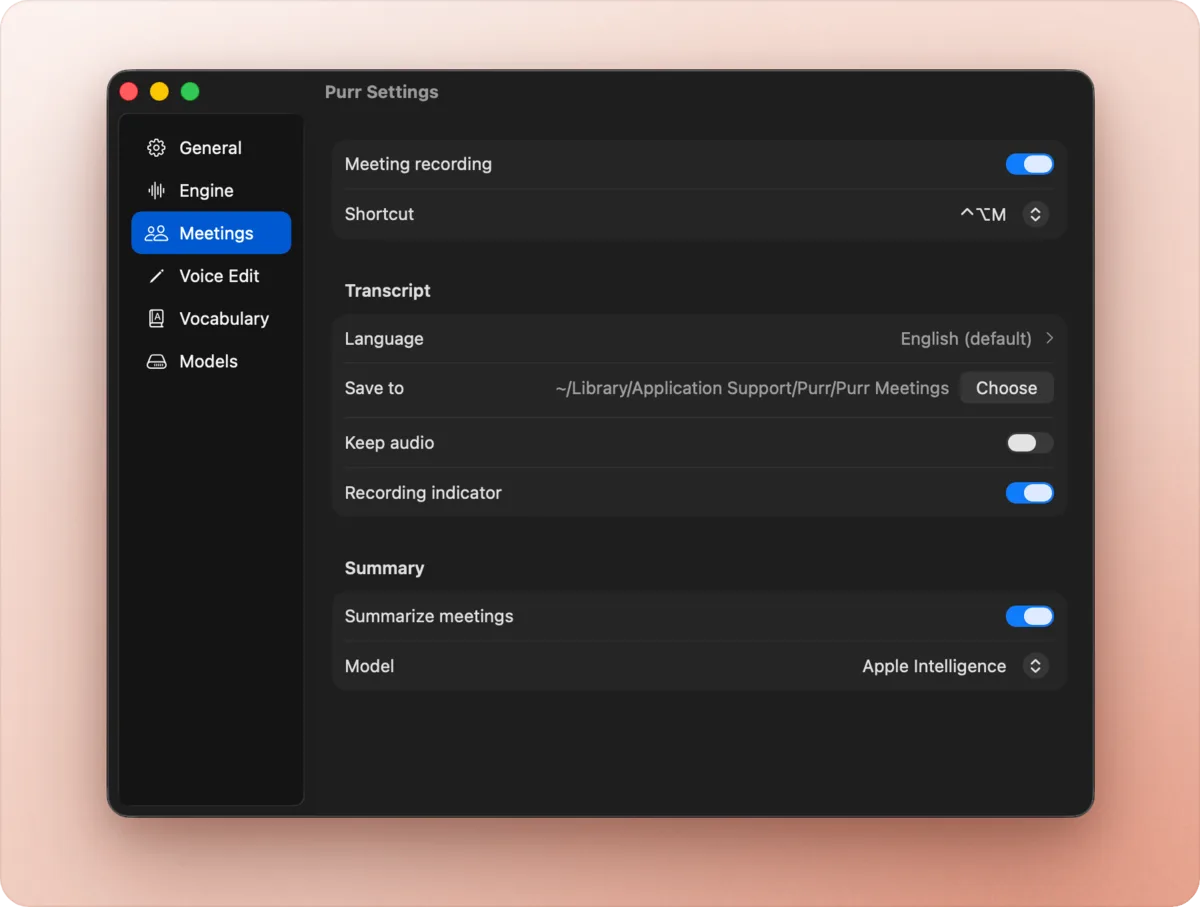
- Meetings. MacWhisper Pro records Zoom, Teams, Webex and other calls and detects when a meeting starts and ends. Speaker recognition is a Pro feature too [1]. Purr records any call for free, labels the speakers and can write a summary, but you start and stop it yourself with ⌃⌥ M.
- Price. Purr is free. MacWhisper is free with the limits above, and Pro is €64 once, with lifetime updates [1].
- Source code. Purr is MIT-licensed and on GitHub. MacWhisper’s code isn’t public.
Both run their speech models on your Mac [1]. I haven’t measured MacWhisper side by side with Purr, so there are no speed or accuracy numbers here. Purr’s results against Wispr Flow and Superwhisper are on the comparison page.
When is MacWhisper the better choice?
When you have recordings to transcribe. MacWhisper handles files in 100 languages, makes subtitles, and in Pro transcribes in batches, watches folders for new files and sends transcripts on to Notion, Obsidian or Zapier [1]. Its Pro version also notices a meeting starting on its own, and it can connect to cloud AI services with your own keys [1]. Purr does none of that.
Can I use both?
Yes. Plenty of people would keep MacWhisper for files and use Purr for dictation and calls. Give each app its own dictation key so they don’t both answer.
- Download Purr and open it. Setup downloads a speech model (Parakeet is about 450 MB) and asks for Microphone and Accessibility.
- Click into any text field, hold Right Option, speak and let go.
- Turn on Meetings in Settings › Meetings, then tap ⌃⌥ M to start and stop recording a call.
Common questions
Is MacWhisper free?
Partly. The free version records from your mic, transcribes files in 100 languages, exports subtitles and text, and includes system-wide dictation. Pro, at €64 once, adds meeting recording, speaker recognition, translation and AI features [1].
Can Purr transcribe an audio or video file?
No. Purr transcribes what it hears live, while you dictate or during a meeting it records.
Does Purr notice when a meeting starts?
No. You tap ⌃⌥ M to start and again to stop. It records your mic and your Mac’s audio, so it hears everyone on the call without a bot joining.
Which languages does Purr support?
Dictation is in English with Parakeet, or about 100 languages with Whisper. Meetings work in English and 27 more.
Related
- The best free dictation apps for Mac
- Meeting notes that stay on your Mac
- Purr vs Wispr Flow, Superwhisper and VoiceInk
- A free Superwhisper alternative that runs on your Mac
- A free Wispr Flow alternative that runs on your Mac
- Dictation that works offline on your Mac
Sources
Spotted something out of date? Tell me and I will fix it.